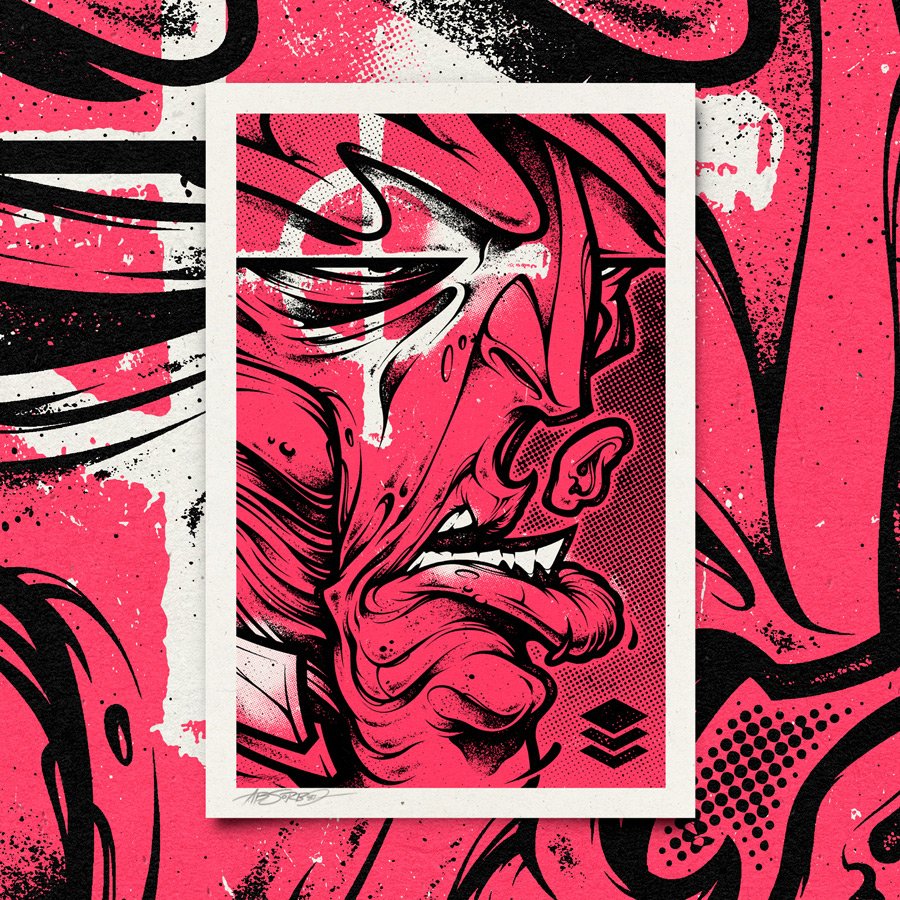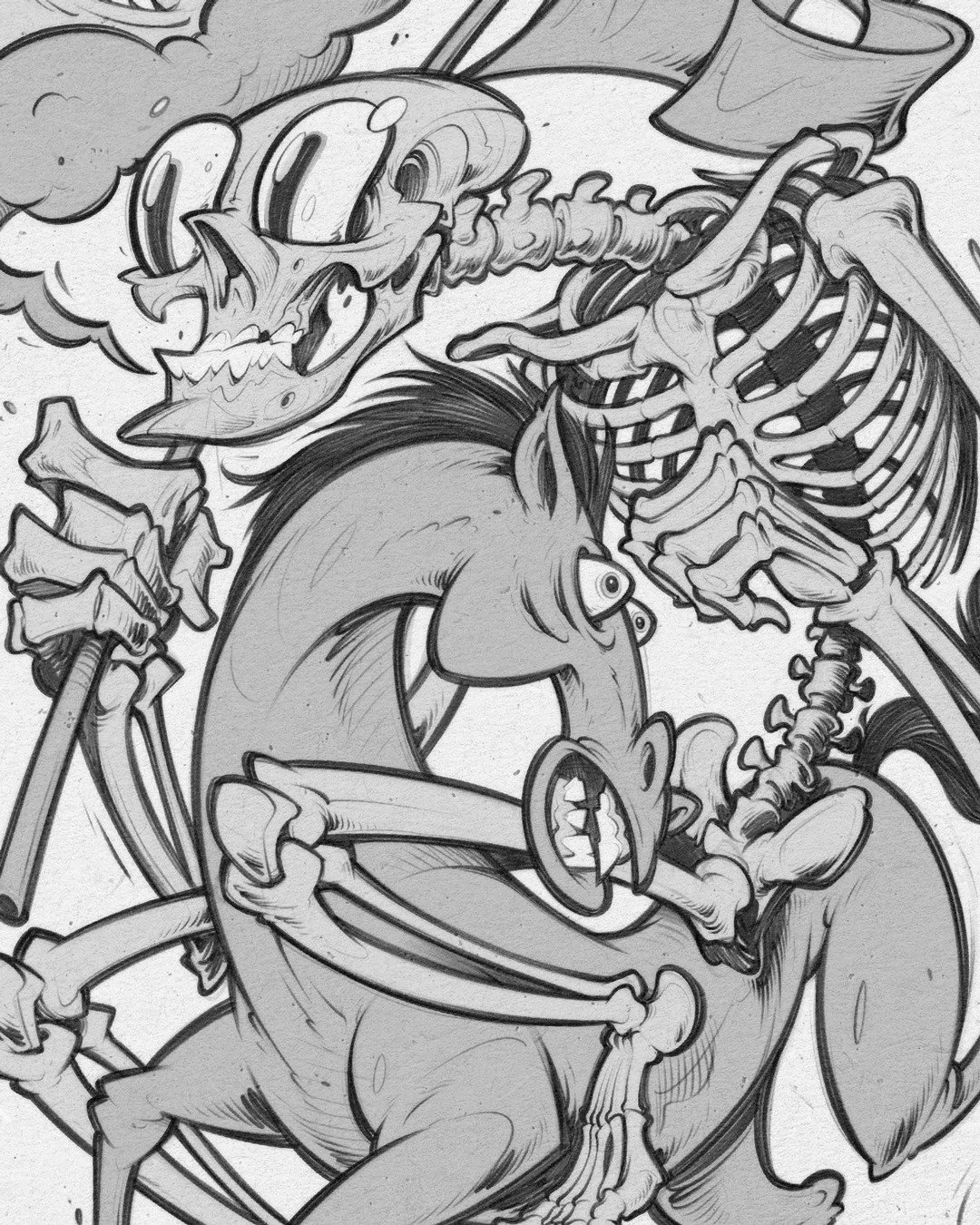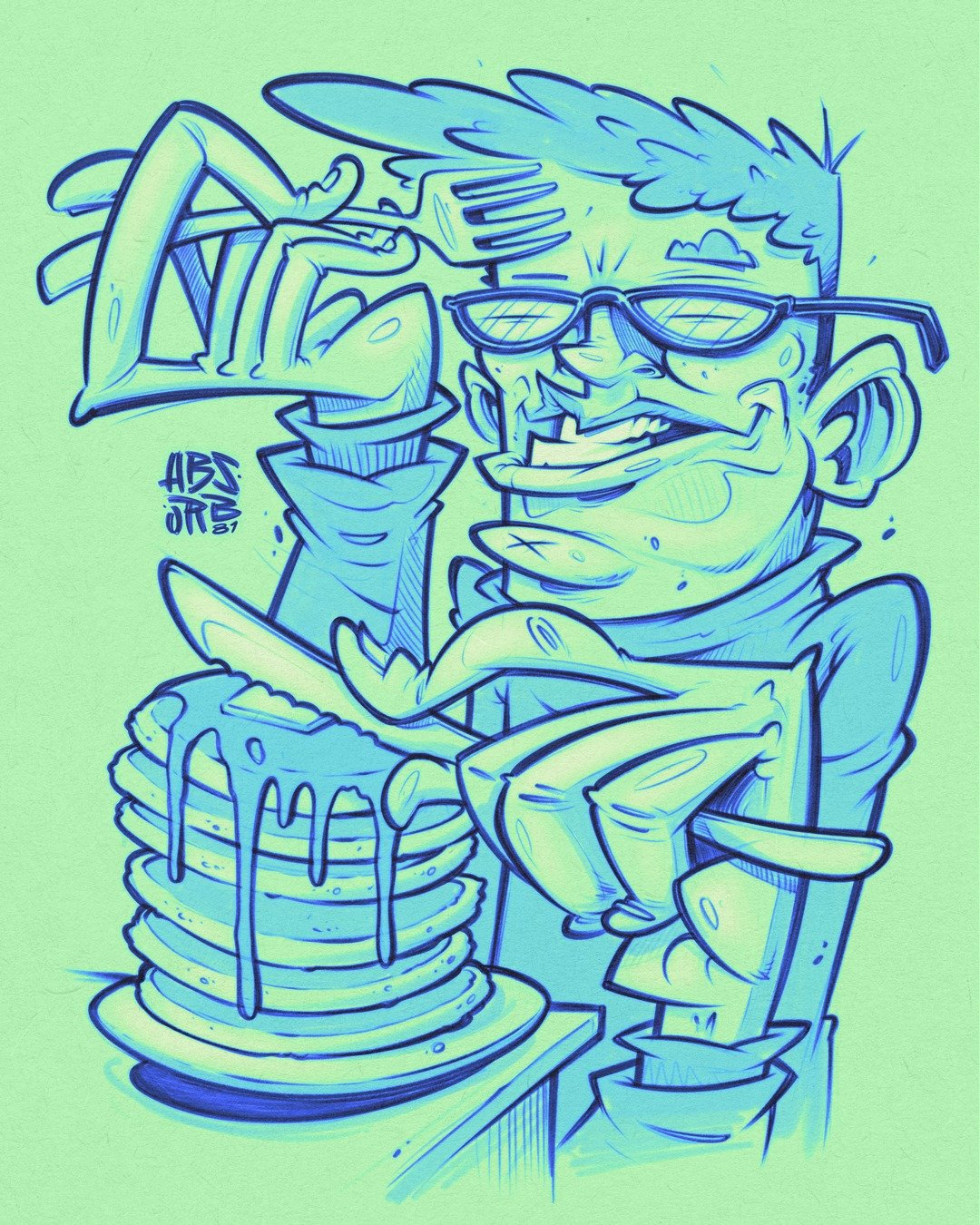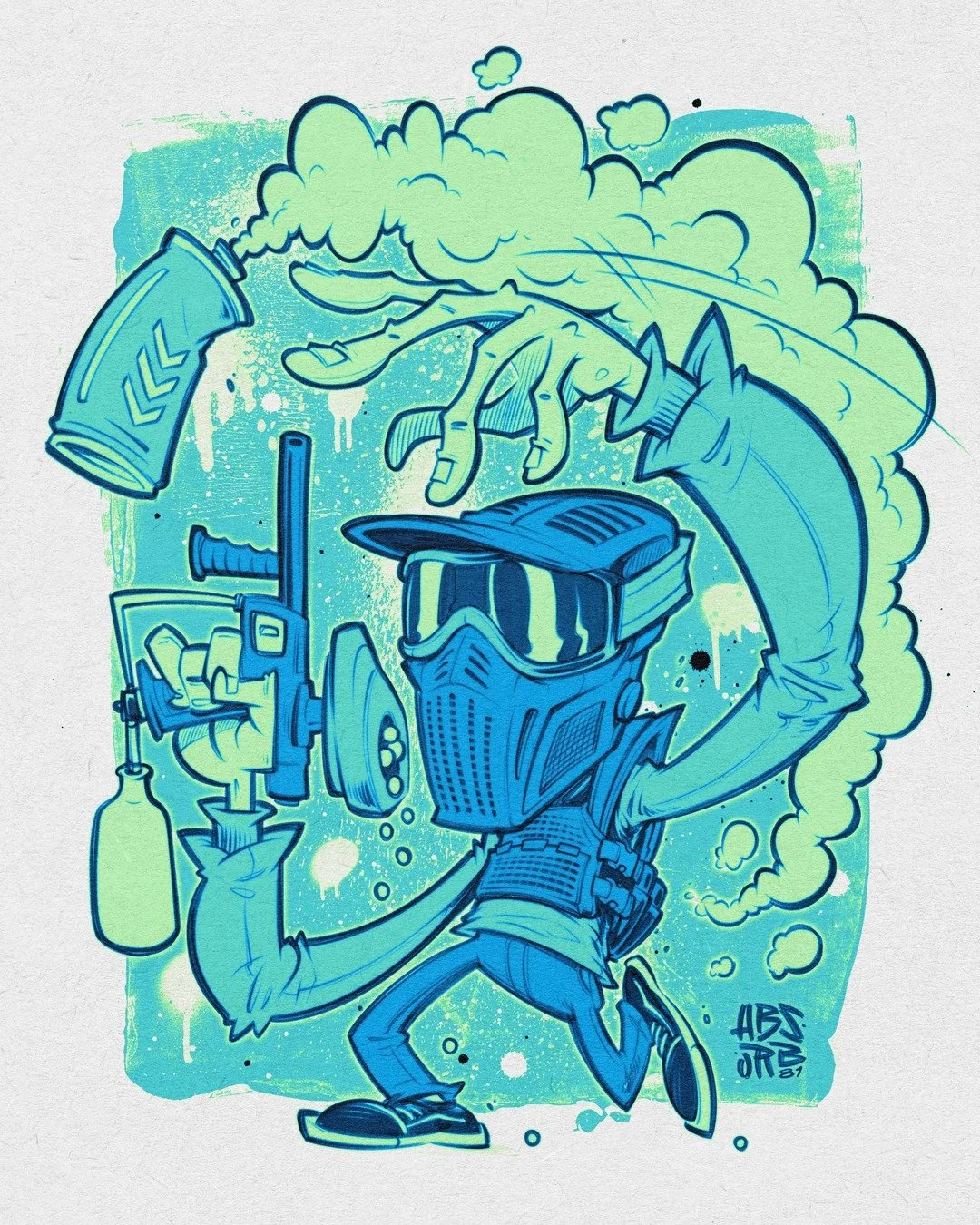
Includes only the letter M
A81 Freight - TEST - SVG.otf (Full-color vector font)
A81 Freight - TEST.otf
USING COLORED FONTS:
InDesign CC 2019+, Illustrator CC 2018+ and Photoshop CC 2017+ are Adobe’s only apps that officially support & display color fonts.
If you are concerned about using colored SVG fonts please download the FREE version and give it a try.
OTF. Format ( OpenType fonts can be used on both Macintosh or Windows operating systems. )
How can I unzip product files?
Mac: Double-click the .zip file, then search for the product folder or product file.
PC: To extract a single file or folder, double-click the compressed folder to open it. Then, drag the file or folder from the compressed folder to a new location. To extract the entire contents of the compressed folder, right-click the folder, click Extract All, and then follow the instructions.
Includes Letters, Numbers, Alternates, Ligatures and Basic Punctuation.
OTF. Format ( OpenType fonts can be used on both Macintosh or Windows operating systems. )
You are welcome to use the font for commercial and personal use.
Your license allows you unlimited lifetime use.
How can I unzip product files?
Mac: Double-click the .zip file, then search for the product folder or product file.
PC: To extract a single file or folder, double-click the compressed folder to open it. Then, drag the file or folder from the compressed folder to a new location. To extract the entire contents of the compressed folder, right-click the folder, click Extract All, and then follow the instructions.
Includes 4 Fonts:
• CASK Regular
• CASK Inline
• CASK Aged
• CASK Inline Aged
Each font includes Uppercase Letters, Numbers, Alternates, and some basic punctuation.
Also included are Vector PDFs of each character for easy cut and paste if your software does not support glyphs.
OTF. Format ( OpenType fonts can be used on both Macintosh or Windows operating systems. )
You are welcome to use the font for commercial and personal use.
Your license allows you unlimited lifetime use.
How can I unzip product files?
Mac: Double-click the .zip file, then search for the product folder or product file.
PC: To extract a single file or folder, double-click the compressed folder to open it. Then, drag the file or folder from the compressed folder to a new location. To extract the entire contents of the compressed folder, right-click the folder, click Extract All, and then follow the instructions.
Includes Uppercase Letters, Lowercase Letters, Numbers, Alternates, Ligatures and a Vector Knife.
OTF. Format ( OpenType fonts can be used on both Macintosh or Windows operating systems. )
You are welcome to use the font for commercial and personal use.
Your license allows you unlimited lifetime use.
How can I unzip product files?
Mac: Double-click the .zip file, then search for the product folder or product file.
PC: To extract a single file or folder, double-click the compressed folder to open it. Then, drag the file or folder from the compressed folder to a new location. To extract the entire contents of the compressed folder, right-click the folder, click Extract All, and then follow the instructions.
Includes Letters, Numbers, Alternates, and Basic Punctuation.
Also includes a Vector PDF of all the characters for an easy copy-and-paste option.
OTF. Format ( OpenType fonts can be used on both Macintosh or Windows operating systems. )
You are welcome to use the font for commercial and personal use.
Your license allows you unlimited lifetime use.
How can I unzip product files?
Mac: Double-click the .zip file, then search for the product folder or product file.
PC: To extract a single file or folder, double-click the compressed folder to open it. Then, drag the file or folder from the compressed folder to a new location. To extract the entire contents of the compressed folder, right-click the folder, click Extract All, and then follow the instructions.
Includes Uppercase Letters, Numbers, Alternates, Ligatures and 2 Vector Skull Icons.
OTF. Format ( OpenType fonts can be used on both Macintosh or Windows operating systems. )
You are welcome to use the font for commercial and personal use.
Your license allows you unlimited lifetime use.
How can I unzip product files?
Mac: Double click the .zip file, then search for the product folder or product file.
PC: To extract a single file or folder, double-click the compressed folder to open it. Then, drag the file or folder from the compressed folder to a new location. To extract the entire contents of the compressed folder, right-click the folder, click Extract All, and then follow the instructions.
Includes Uppercase Letters and Numbers.
OTF. Format ( OpenType fonts can be used on both Macintosh or Windows operating systems. )
You are welcome to use the font for commercial and personal use.
Your license allows you unlimited lifetime use.
How can I unzip product files?
Mac: Double click the .zip file, then search for the product folder or product file.
PC: To extract a single file or folder, double-click the compressed folder to open it. Then, drag the file or folder from the compressed folder to a new location. To extract the entire contents of the compressed folder, right-click the folder, click Extract All, and then follow the instructions.
Includes Uppercase Letters and Lowercase Alternatives.
OTF. Format ( OpenType fonts can be used on both Macintosh or Windows operating systems. )
You are welcome to use the font for commercial and personal use.
Your license allows you unlimited lifetime use.
How can I unzip product files?
Mac: Double click the .zip file, then search for the product folder or product file.
PC: To extract a single file or folder, double-click the compressed folder to open it. Then, drag the file or folder from the compressed folder to a new location. To extract the entire contents of the compressed folder, right-click the folder, click Extract All, and then follow the instructions.
Includes Uppercase Letters and Numbers.
OTF. Format ( OpenType fonts can be used on both Macintosh or Windows operating systems. )
You are welcome to use the font for commercial and personal use.
Your license allows you unlimited lifetime use.
How can I unzip product files?
Mac: Double click the .zip file, then search for the product folder or product file.
PC: To extract a single file or folder, double-click the compressed folder to open it. Then, drag the file or folder from the compressed folder to a new location. To extract the entire contents of the compressed folder, right-click the folder, click Extract All, and then follow the instructions.


Includes Letters and Numbers.
A81 Freight - SVG.otf (Full-color vector font)
A81 Freight.otf
USING COLORED FONTS:
InDesign CC 2019+, Illustrator CC 2018+ and Photoshop CC 2017+ are Adobe’s only apps that officially support & display color fonts.
IMPORTANT: If you are concerned about using colored SVG fonts please download the FREE version and try it.
There are no refunds on fonts so please test this font to ensure it is compatible with your software before purchasing.
It also includes a Vector AI and PDF of all the characters for an easy copy-and-paste option.
OTF. Format ( OpenType fonts can be used on both Macintosh or Windows operating systems. )
You are welcome to use the font for commercial and personal use.
Your license allows you unlimited lifetime use.
How can I unzip product files?
Mac: Double-click the .zip file, then search for the product folder or product file.
PC: To extract a single file or folder, double-click the compressed folder to open it. Then, drag the file or folder from the compressed folder to a new location. To extract the entire contents of the compressed folder, right-click the folder, click Extract All, and then follow the instructions.